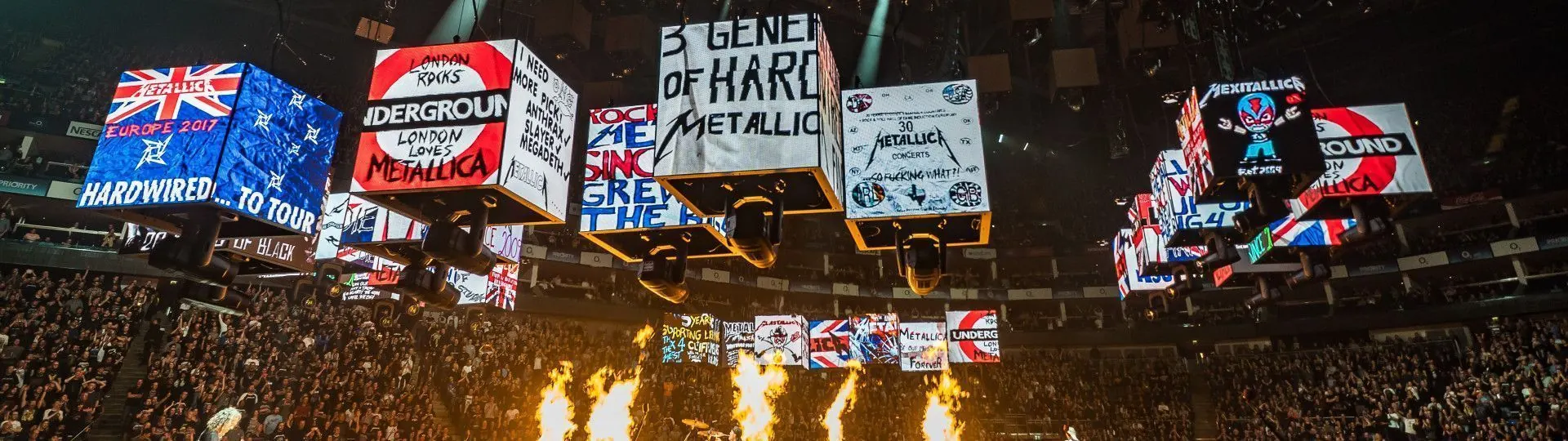
Refresh rate is one of the most quoted — and most misunderstood — numbers on an LED display data sheet. Vendors print 1920Hz, 3840Hz or 7680Hz, and buyers reasonably ask: how much is enough? The honest answer depends on who is looking at the screen: human eyes, smartphone cameras or broadcast trucks.
What refresh rate means on an LED screen
An LED module does not emit light continuously. Driver ICs switch each LED on and off thousands of times per second, and brightness is controlled by the ratio of on-time to off-time (PWM dimming). The refresh rate is how many times per second this cycle repeats. At 1920Hz the cycle runs 1,920 times a second; at 7680Hz, four times faster.
Human eyes generally cannot perceive flicker above a few hundred hertz, so for a lobby wall watched only in person, even 1920Hz looks perfectly stable. The problem appears when a camera enters the room.
Why cameras see what eyes cannot
A camera sensor samples the world in its own time slices. When the camera’s shutter interval beats against the screen’s refresh cycle, the recording shows rolling dark bands, flicker or uneven brightness — the classic “scan lines” that ruin event footage. The higher the screen’s refresh rate, the narrower each off-window becomes, and the less chance a shutter has of catching it.
Smartphones are the most common offenders. A phone shooting at 1/1000s shutter can expose banding on a 1920Hz wall that looks flawless to the naked eye. Broadcast cameras with genlocked shutters are more forgiving, but live production still demands headroom.
The practical tiers
- 1920Hz — acceptable for fixed indoor installations with no filming: corridors, wayfinding, simple retail loops.
- 3840Hz — the working standard for stages, houses of worship and corporate events where phones and prosumer cameras are always present.
- 7680Hz — the rental and broadcast tier: concerts with IMAG, TV studios, esports and any show where professional cameras point at the screen all night.
Refresh rate is not the whole story
Two walls both rated 3840Hz can behave differently on camera because refresh interacts with scan design (how many rows share each driver cycle), grayscale depth and the controller’s frame handling. A well-designed 3840Hz product with high grayscale at low brightness can outperform a nominal 7680Hz product that sacrifices bit depth to reach the number. Ask suppliers not just for the refresh figure but for camera-test footage shot at realistic event shutter speeds — and at the low brightness levels evening shows actually use.
What to specify on your next project
If your screen will ever face a professional camera, specify 3840Hz as a floor and 7680Hz for headline stages and broadcast. For purely architectural, in-person viewing, a quality 1920–3840Hz product saves money without visible compromise. And whatever tier you choose, insist on a demo shot with a real camera — eyes lie, sensors do not.
Refresh rate and low brightness: the hidden trade-off
Here is the detail most datasheets skip: PWM dimming achieves lower brightness by shortening the on-time within each cycle. At very low brightness — an evening concert stage, a dim TV studio — each cycle contains fewer usable slices, and effective grayscale collapses. Cheap driver designs lose colour depth precisely when the show looks its most dramatic. This is why two screens with identical refresh labels can render a dark scene very differently: one keeps smooth gradients at 20% brightness, the other posterises into visible steps. High-end driver ICs and good controller firmware preserve grayscale at low brightness; that combination, not the headline refresh number alone, is what experienced rental technicians pay for.
Testing before you buy
A meaningful camera test takes ten minutes. Set the screen to 30% and 100% brightness. Film it with a smartphone at its default and pro-mode shutter speeds, then with any broadcast camera the project will actually use. Look for rolling bands, flicker in dark scenes and colour breakup during fast motion. Repeat after the content server switches inputs — some systems glitch at source changes. If a supplier cannot demonstrate this on the exact cabinet and controller combination you are buying, treat the datasheet number as marketing, not engineering.
Refresh rate in the specification sheet
When comparing quotations, place refresh rate in context rather than in isolation. Ask for the driver IC model, the scan rate and the grayscale depth at the brightness levels you will actually use. A transparent supplier will provide all three, because they know the headline number means little alone. Also confirm the figure applies to the complete signal path — cabinet, receiving card and processor — not just one component. A 7680Hz cabinet behind a processor that outputs at 60Hz with poor frame handling still gives you a compromised result on camera.
Finally, remember that content and cameras evolve. The corporate lobby that never sees a camera today may host a televised press event next year. If the budget difference between 1920Hz and 3840Hz is a small fraction of project cost, the headroom is cheap insurance against the screen’s ten-year service life.
Quick reference: the three practical tiers
| Refresh tier |
Camera exposure |
Where it fits |
| 1920Hz |
Eyes only — phones may catch banding |
Fixed indoor installations with no filming: corridors, wayfinding, simple retail loops |
| 3840Hz |
Phones and prosumer cameras handled |
Stages, houses of worship, corporate events |
| 7680Hz |
Broadcast and professional cameras |
Concerts with IMAG, TV studios, esports, headline rental |
Common questions
Can human eyes see the difference between 1920Hz and 7680Hz?
Generally no. Human eyes stop perceiving flicker above a few hundred hertz, so for purely in-person viewing even 1920Hz looks stable. The difference appears on camera sensors, which sample in their own time slices and catch the off-windows of lower refresh rates.
Is a higher refresh number always a better screen?
Not by itself. Refresh interacts with scan design, grayscale depth and controller frame handling. A well-designed 3840Hz product with strong low-brightness grayscale can outperform a nominal 7680Hz product that sacrifices bit depth to reach the number. Ask for camera-test footage, not just the figure.
Do I need 7680Hz for a corporate lobby?
Only if professional cameras will point at the screen. A lobby that never sees a camera runs fine on a quality 1920–3840Hz product. If a televised event is plausible in the screen’s ten-year life, the step up to 3840Hz is cheap insurance.
Talk to us about your project
Every project in this guide starts with the same step: a conversation about your site, your content and your budget. Explore the Traveling Light series to see how we build for this application, or contact our engineering team for a specification review and a side-by-side demo proposal.
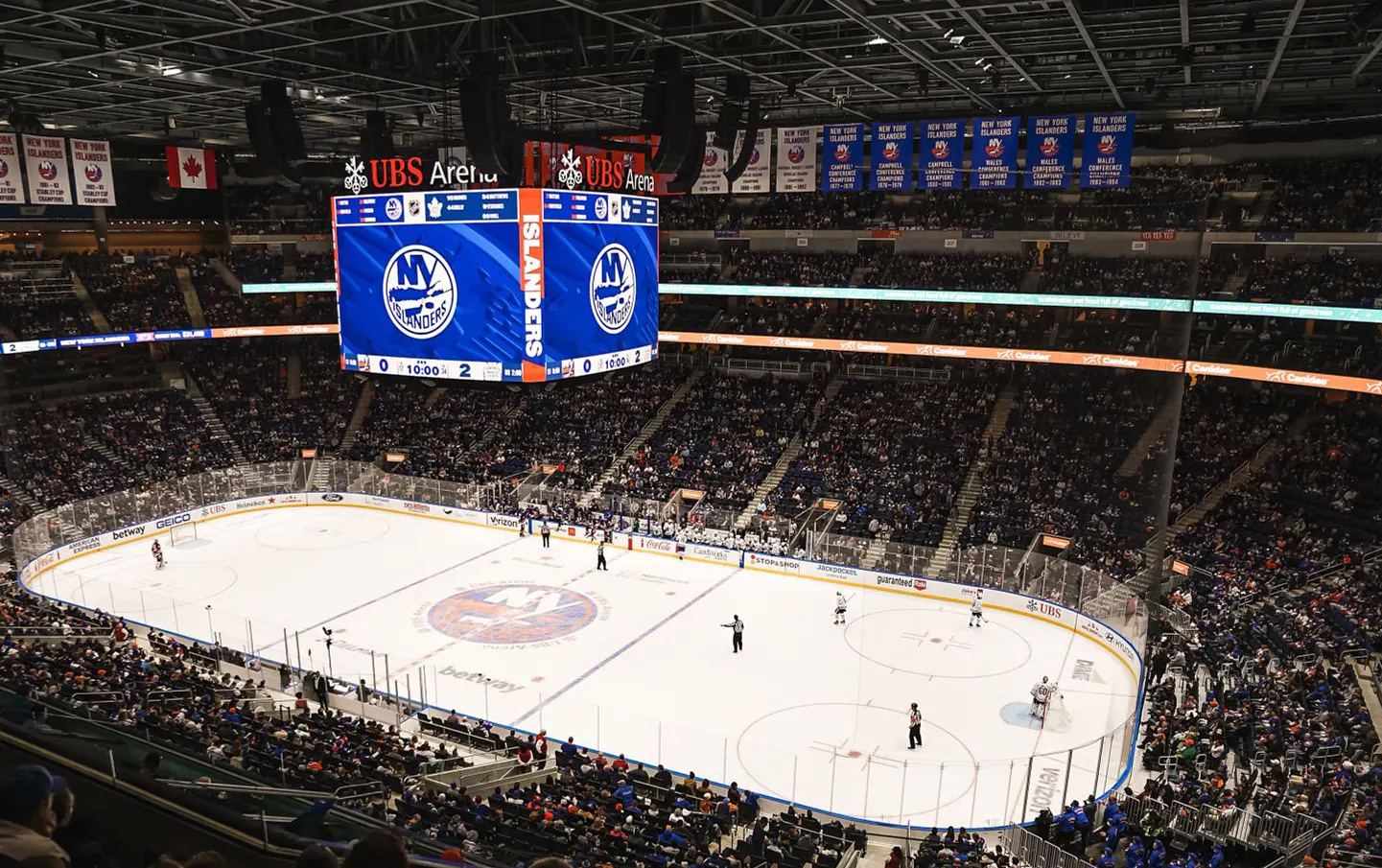 TL Traveling LightRental & Touring LEDP1.25 – P3.91
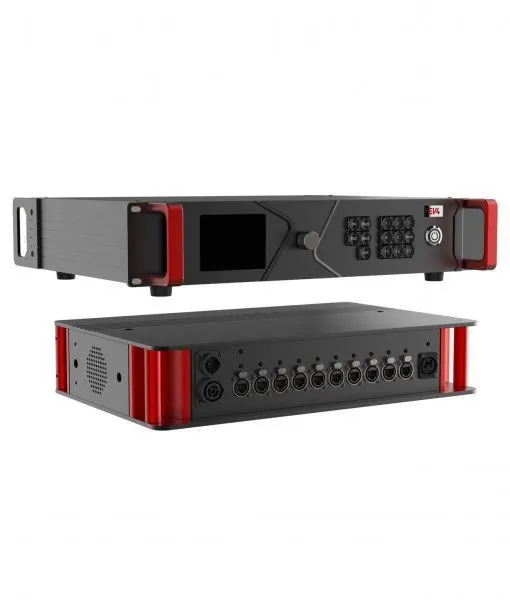 BL Beam LockRental Hard-Connection LEDCable-free hard connectionIndoor Fixed LED→
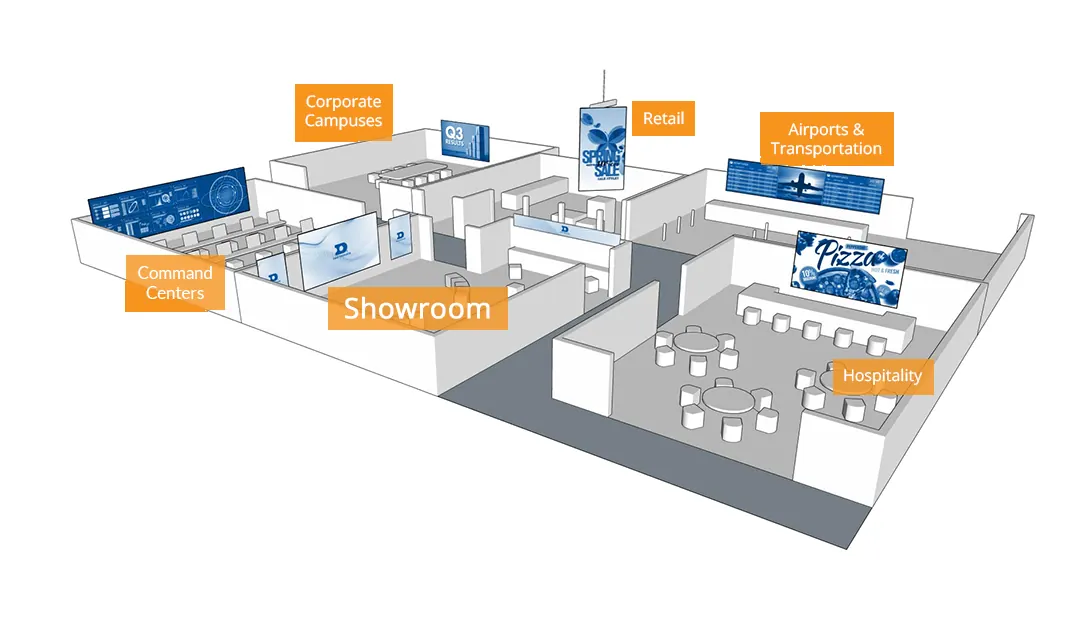 SG Steady GlowIndoor Fixed LEDP1.25 – P4.0
 PL Pure LightIndoor Fixed Hard-Connection LEDCable-free hard connectionCOB Fine Pitch LED→
 OG Obsidian GlowCOB Fine Pitch LEDCOB · flip-chipView all product series →Not sure which series fits your project? Get a Recommendation →